01 / 03
Studio
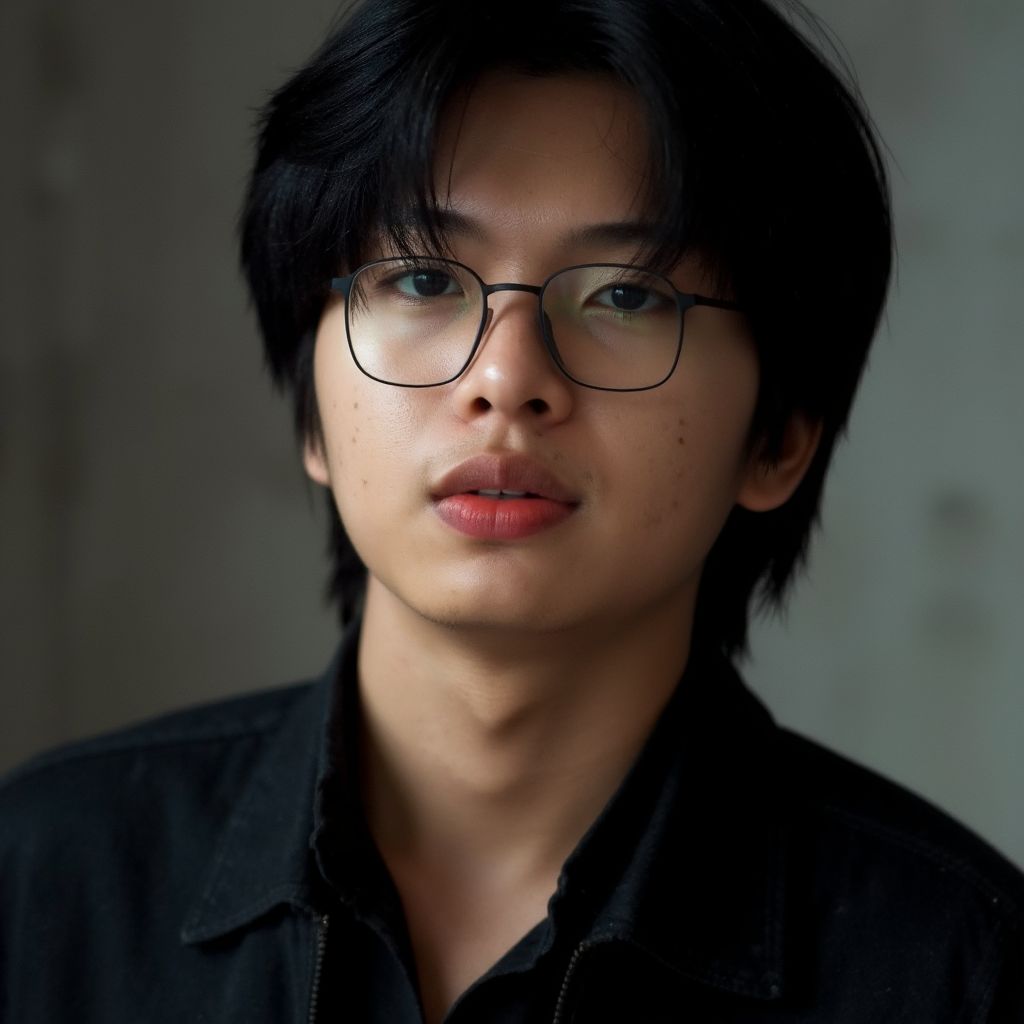
Soft light. A quiet backdrop.
A simple setting that leaves room for expression. Explore this direction for a profile or a professional introduction.
Create Studio portraits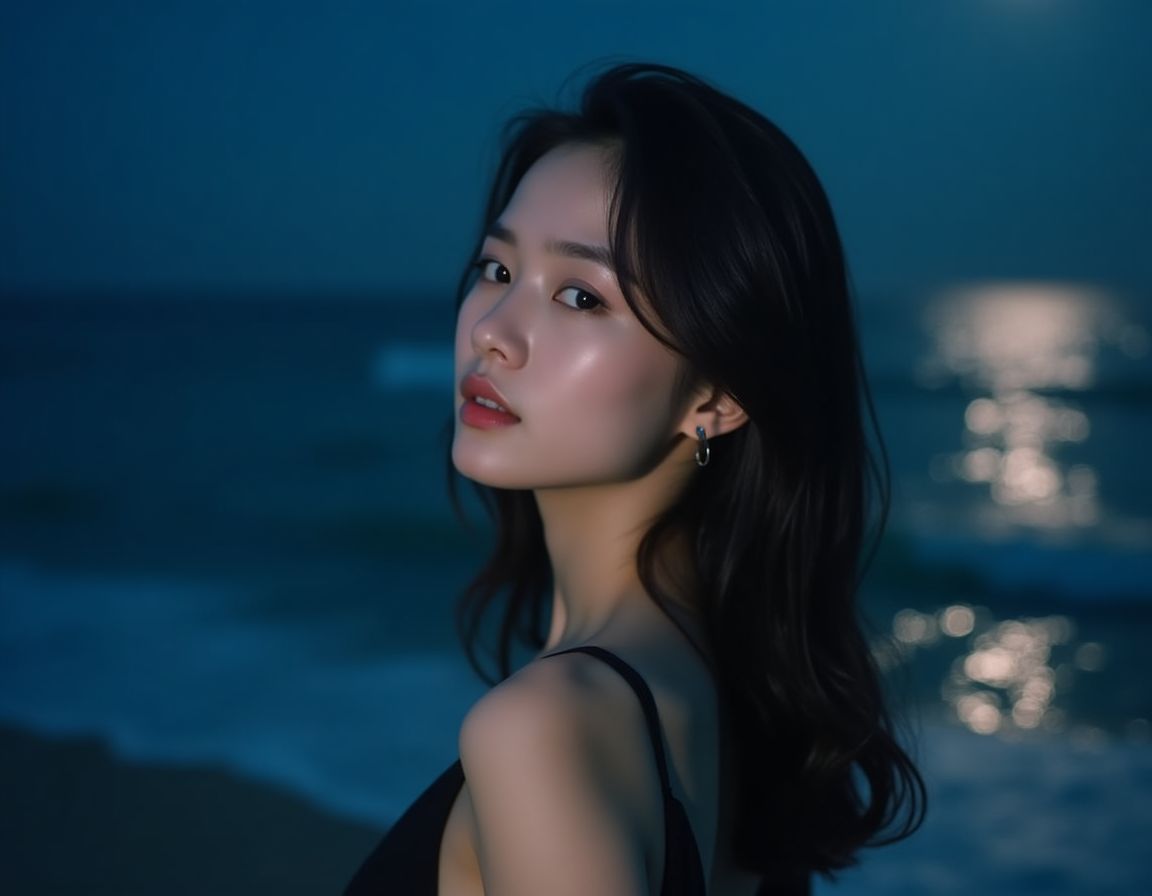
A portrait, a new perspective
Existing example / After hours
Made from your photos
A profile, a creative project, or a fresh perspective. Follow the light through three portrait directions.
Soft light. A quiet backdrop.
A simple setting that leaves room for expression. Explore this direction for a profile or a professional introduction.
Create Studio portraits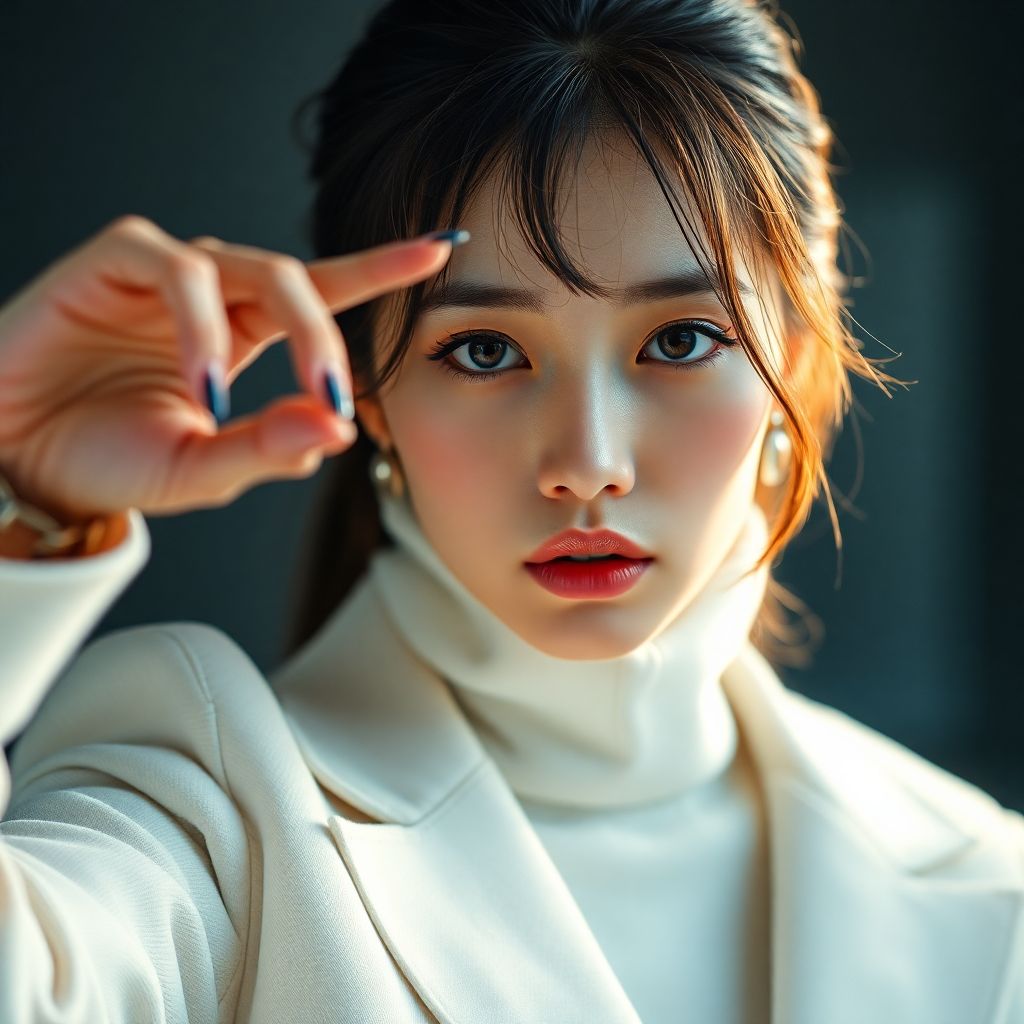
Bright light. A stronger mood.
Directional light, crisp tailoring, and a closer frame. A more expressive starting point for an editorial portrait.
Create Daylight portraits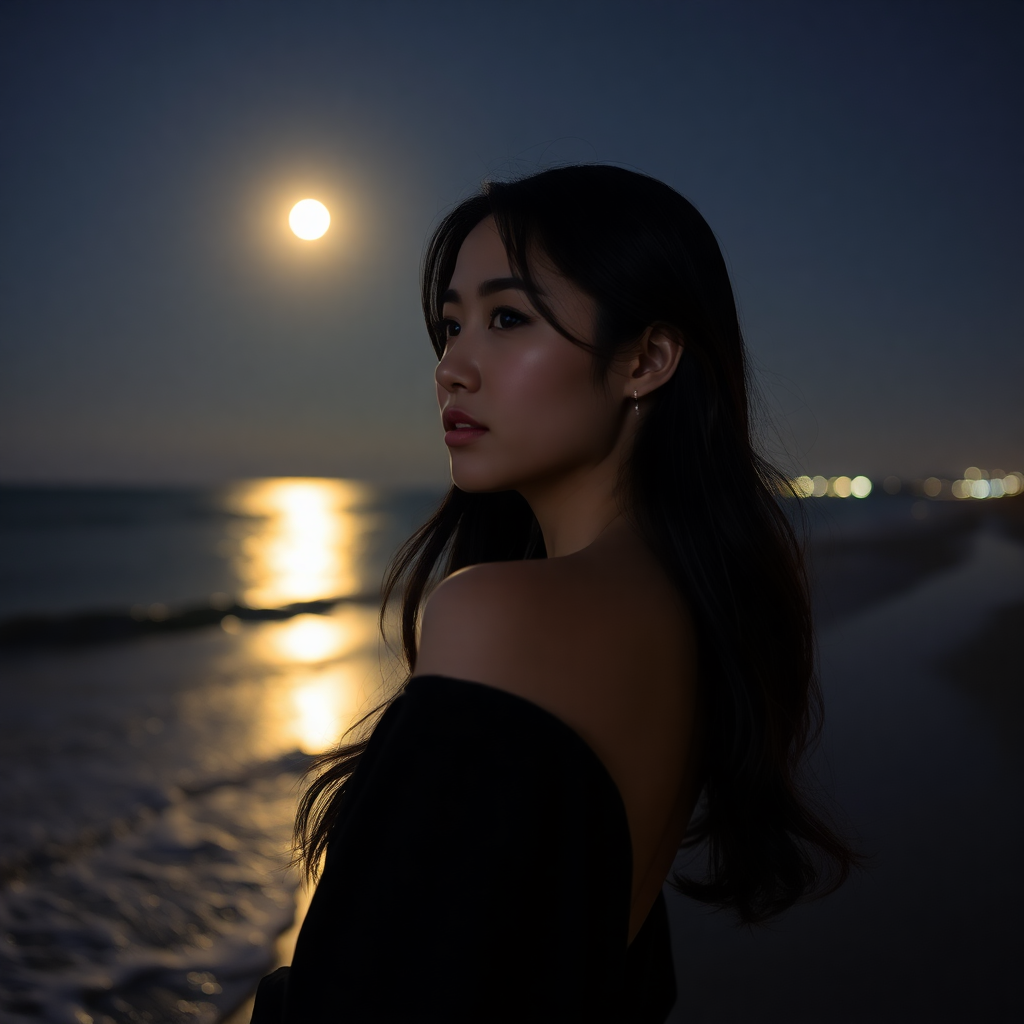
Open water. Colour after sunset.
An outdoor setting with a cinematic feel. Explore a quieter, more atmospheric direction for an everyday portrait.
Create After hours portraitsDifferent people. Existing examples. Visual directions, not before-and-after comparisons or promised results.
How it works
Recent solo photos, your face clearly visible, and a few different angles. Avoid heavy filters and group photos. The current training uploader accepts a ZIP archive.
Training builds a personal model from those photos. Once it is ready, you can reuse it for different looks and descriptions.
Pick a ready personal model, choose a direction, and edit the description and framing. Creating portraits uses generation credits, separately from your training allowance.
Your direction, on paper
Your draft opens in the image studio. Sign in to select your personal model or a public image model.
A ready personal model can be reused across descriptions and looks. Creating images uses generation credits; it does not require a new training session for every portrait.
Training allowance creates personal models. Generation credits create images. The credit cost varies by generation model; consult your account for the current details.
Prepare recent, clear solo photos with your face visible and varied angles. Avoid heavy filters and group photos. The current training uploader takes a ZIP archive.
Outcomes vary. The examples show different people and visual directions, not before-and-after comparisons or exact-likeness guarantees.
Public base models create images from descriptions. For portraits based on your own likeness, train a personal model from your photos, then select it in the image studio. Training and image generation use their respective account allowances.
Portrait plans
Plans are temporarily unavailable. You can still prepare your portrait direction.
Your next perspective
Prepare clear photos, train your personal model, then create a portrait in your chosen direction.